
Learn piano with any song you like
Take a photo of the sheet music and the AI chat you already use turns it into a song for Rusalka. Rusalka then shows which key comes next, waits until you find it and plays along. Free, in the browser, for children and beginners.
Even without AI you can play more than 350 songs from Rusalka’s library right away: children’s songs, folk songs, carols and classics.
Start RusalkaFree. No account, no ads. Works offline after the first visit.
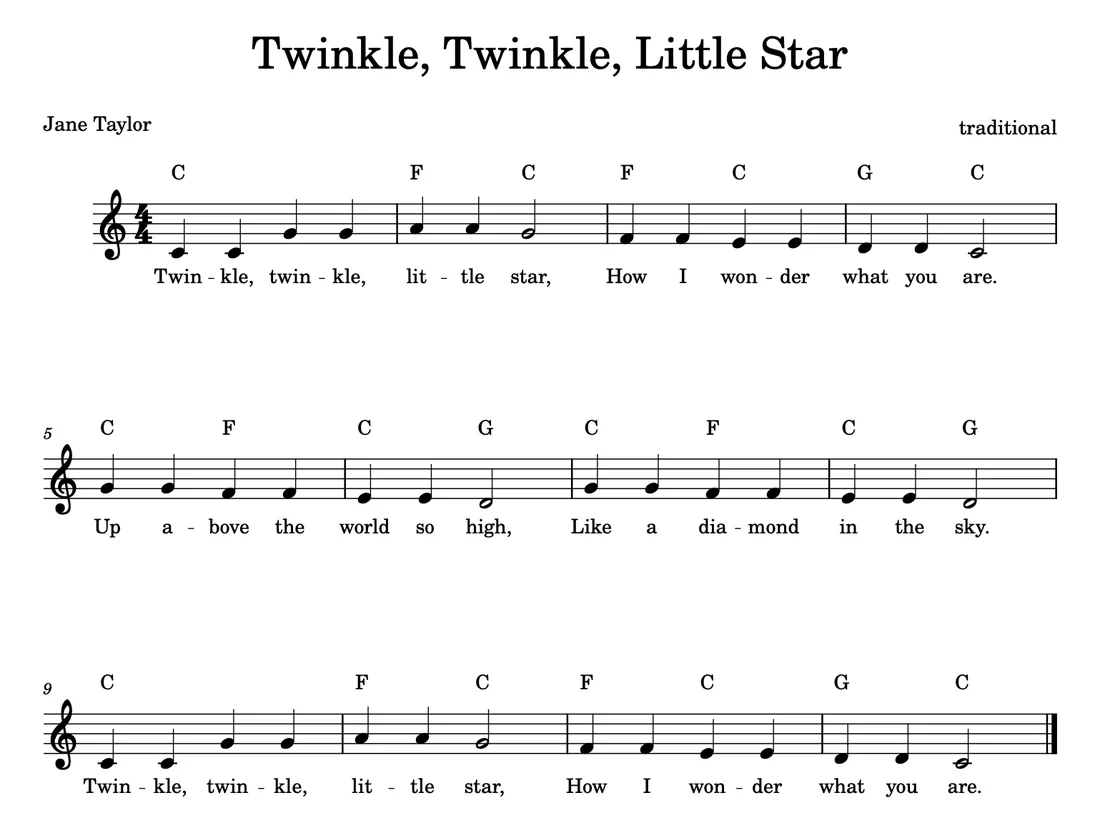
A picture of sheet music
The same song, ready to play in Rusalka
From a picture to a song in three steps
- In Rusalka, open AI and copy the instructions.
- Paste them into ChatGPT, Claude, Gemini or another AI chat, with a photo of the notes.
- Paste the answer back into Rusalka. The song is in your list, ready to play.
The song your child wants, not the one in the app
Most piano apps teach from their own catalogue. With Rusalka you start from the music you have: a songbook at home, a page from a music lesson, or a song you found online.
Any picture of sheet music
A photo from a songbook, a scan, a PDF or a screenshot. The AI chat writes out the melody, the chords and the lyrics.
The AI chat you already have
Rusalka gives you the instructions to copy, so any AI chat knows exactly what to write. Rusalka itself sends nothing anywhere.
Too hard? Make it easier
The AI chat can also write an easier version of a song: fewer notes, five fingers, a simpler left hand.
Check it before you play
The song opens in an editor that checks every bar and shows the notes, so you can fix a misread note before you play.
No AI? Rusalka also opens MusicXML and MIDI files, and its library has children’s songs, folk songs, Christmas carols and classical pieces ready to play.
One song, three steps
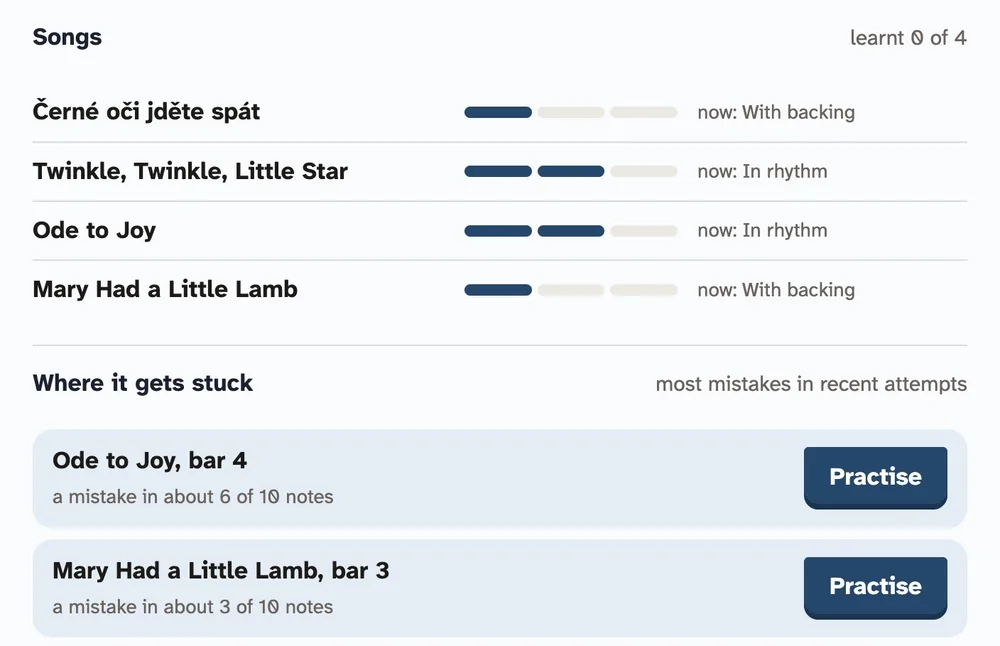
Every song is learned in the same three steps. Notes can show letters and colours, so even a child who cannot read music yet can play.
1Find the notes
Rusalka waits for the right key. No tempo, no hurry.
2With backing
Rusalka plays the accompaniment and still waits for you.
3In rhythm
Now you keep the tempo yourself.
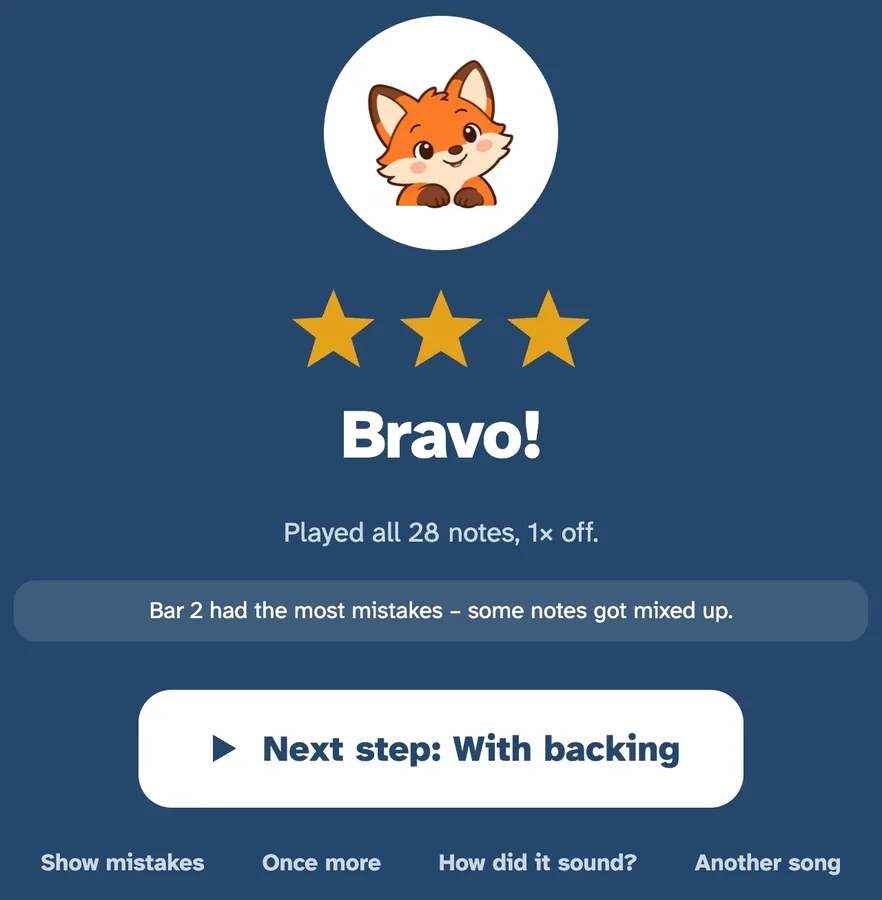
Stars and one useful tip
After each attempt you get up to three stars and one sentence about what to practise: the bar with the most mistakes and what went wrong there. Children can also listen back to how it sounded.
For the whole family
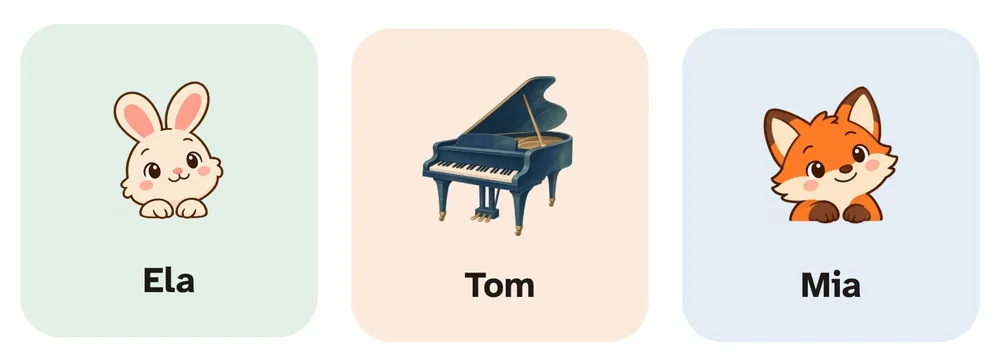
Each player can choose an animal and a colour for their profile and keep track of their own progress.
- Two children at one piano: one plays the melody, the other the bass.
- Letters or colours on the notes, finger numbers, an easier key.
- A loop for a hard passage that speeds up a little each time.
What you need
A digital piano
A computer or tablet with Chrome or Edge and a digital piano connected by a USB cable or Bluetooth (MIDI).
No digital piano?
Play the keys on the screen, or an ordinary piano that Rusalka hears through the microphone.
iPad or iPhone
Safari cannot use a MIDI piano. A computer (Mac or PC) with Chrome or Edge works best, and saving to a folder works there too. On an iPad you can try the free Web MIDI Browser app, but Rusalka hasn't been tested in it.
Nothing to install
Open rusalkapiano.com and play. You can add it to your home screen or dock as an app.
Questions
Is it really free?
Yes. No subscription, no ads and nothing to buy inside.
Do I need an account?
No. Songs, players and results stay in your browser and Rusalka sends them nowhere. You can download a backup, or keep everything in a folder on your computer.
Does it work without the internet?
Yes. After the first visit the browser keeps everything it needs.
Which languages?
16: English, Español, Français, Português, Português (Brasil), Deutsch, Italiano, Polski, Українська, Čeština, Slovenčina, Русский, 中文, हिन्दी, العربية, 日本語.
Which songs can I add?
Any sheet music you may use: folk songs, music in the public domain, openly licensed scores or sheet music you bought. Your songs stay on your device.
Who made it?
A dad of two children who wanted to play their favourite songs on the piano but could not read music reliably yet. The children were the testers.